 Antimatter
Everything your team needs, in one place you own
A tour of Antimatter, with screenshots taken from a demo server. Every feature on this page is included in the free software, with nothing held back for a paid edition.
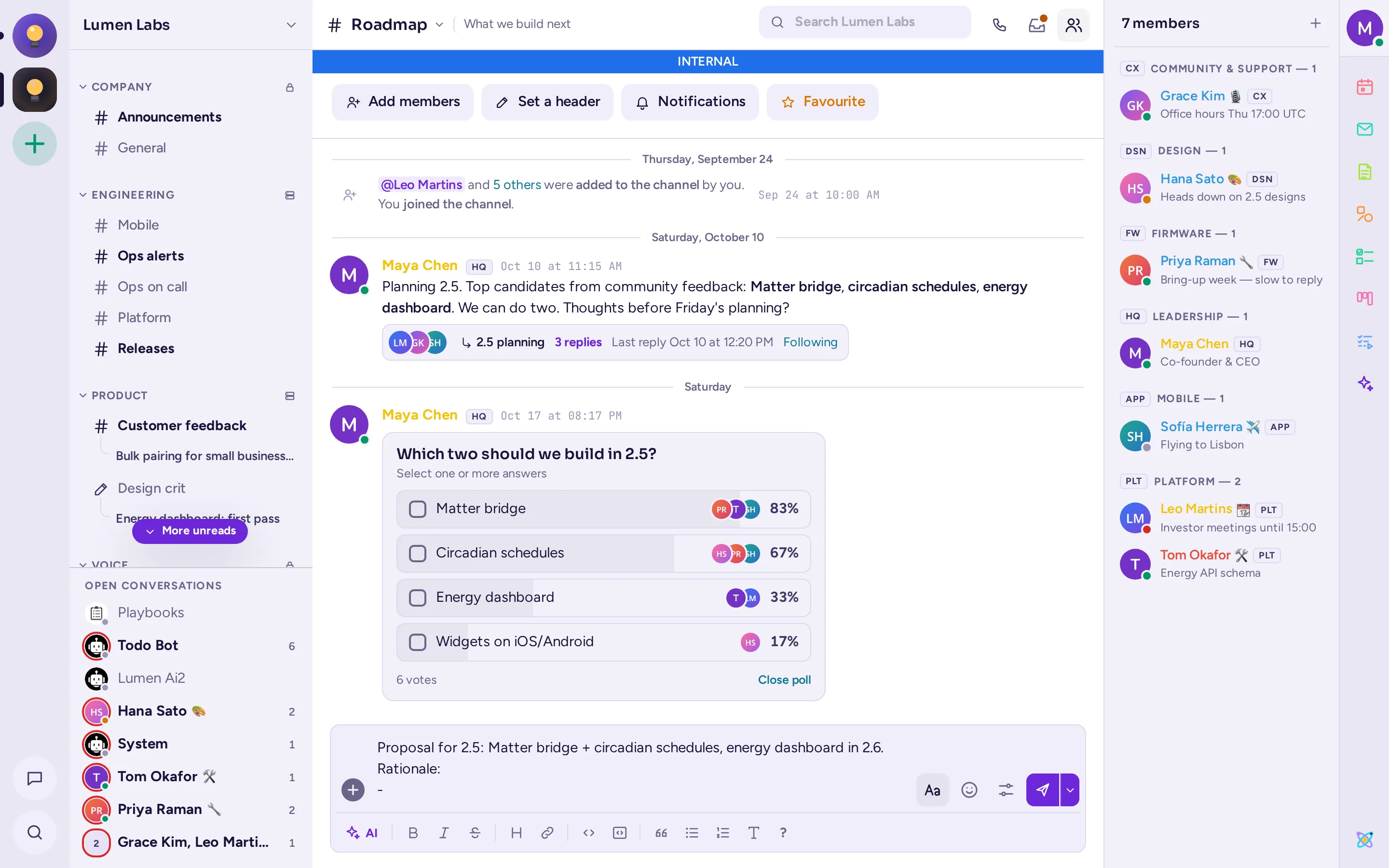
Conversations that stay organised
Channels grouped in categories, direct and group messages, and threads, in an interface built for long working days.
- Channels and categories: public and private channels, categories set by admins for everyone, favorites and following.
- Threads and named sub-chats: reply in threads, give a thread a name to list it under its channel, follow the ones you care about.
- Rich messages: Markdown, code with syntax highlighting, tables, LaTeX, link previews, files with previews.
- Message priority: urgent and important messages, persistent notifications and acknowledgements.
- Scheduled messages and drafts, reminders, forwarding, editing with history, and saved messages.
- Search across messages and files, with filters, exact phrases and dates.
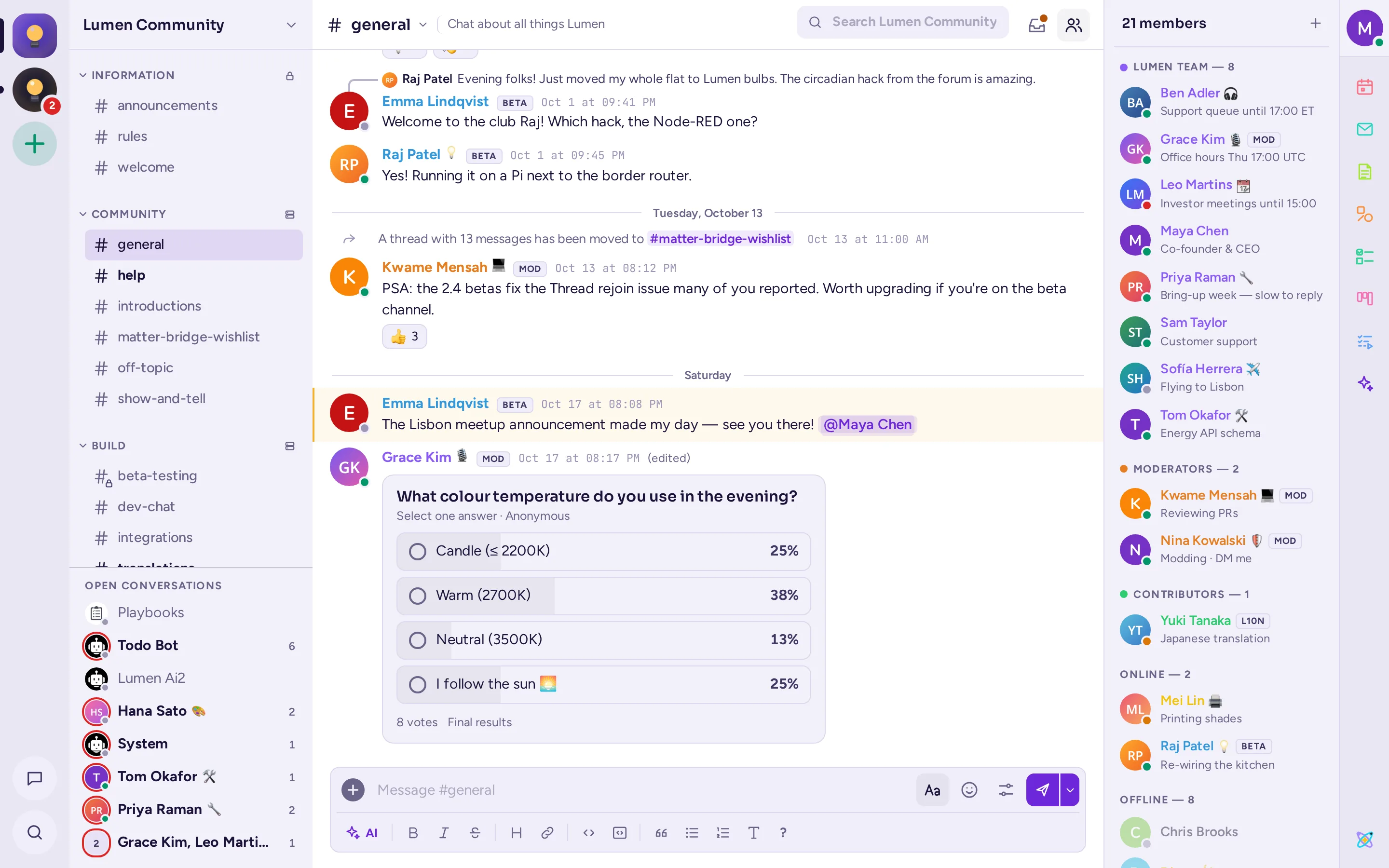
Communities with roles, badges and their own rules
Run a company or a community: Antimatter has the tools to welcome people and keep the place pleasant.
- Display roles and team badges: coloured roles, roles people can pick themselves, badges next to names.
- Onboarding: a welcome screen and questions that give newcomers the right roles and channels.
- Permission overrides per category and channel, on top of the server's permission schemes.
- Moderation: timeouts, a moderator view, message reporting and quarantine.
Collaborative apps, built in
The apps open beside the chat, in a panel or a window of their own, and anything you share with a channel updates live for everyone in it.
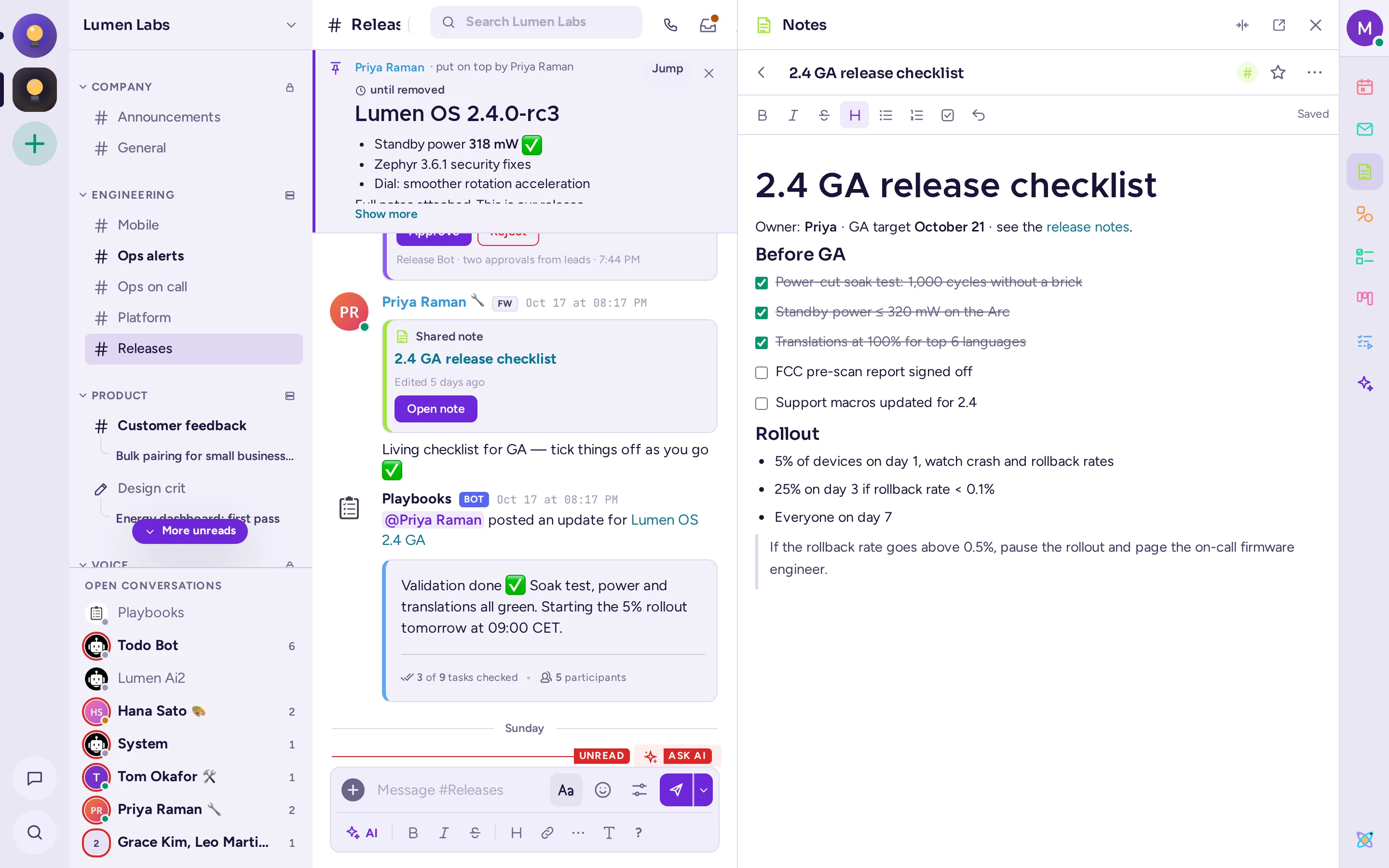
Notes
Documents edited together in real time, with headings, lists, checklists and code. Keep them for yourself, or share them with a channel.
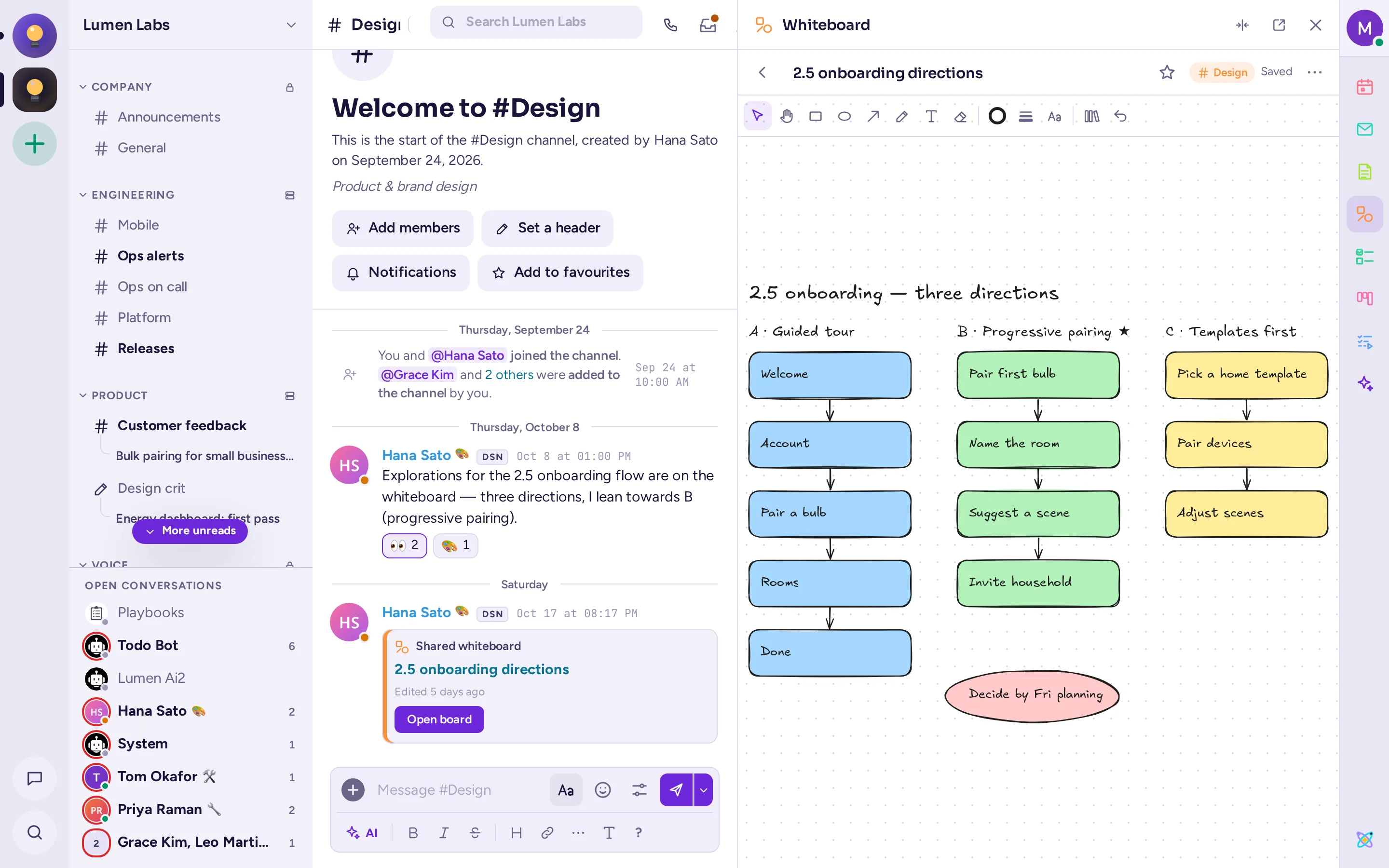
Whiteboards
A shared canvas with shapes, arrows, text, shape libraries your admins add, and everyone's cursors, without calling any outside service.
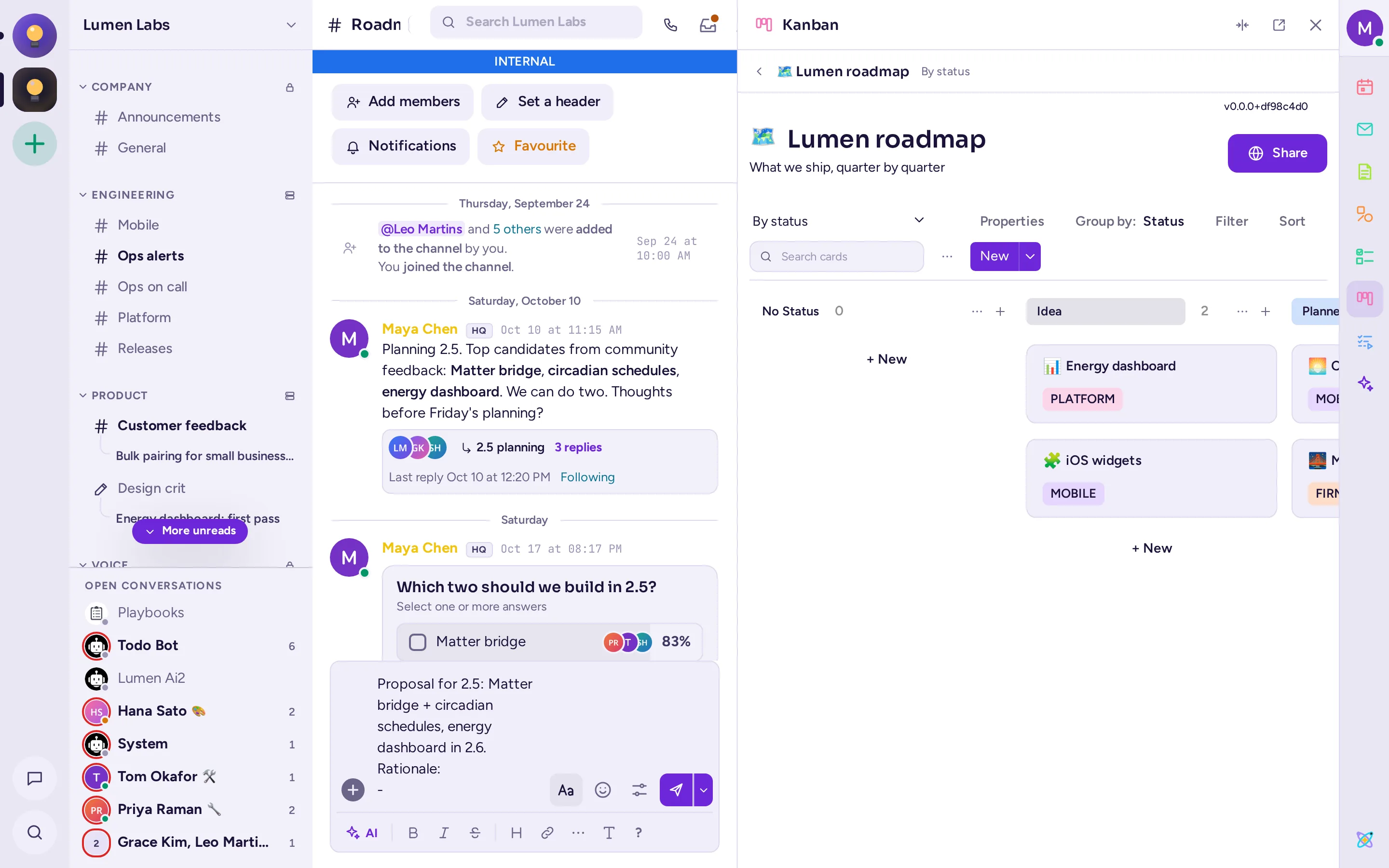
Kanban
Boards, tables and calendars for projects, with cards, properties and views, linked to the channels that work on them.
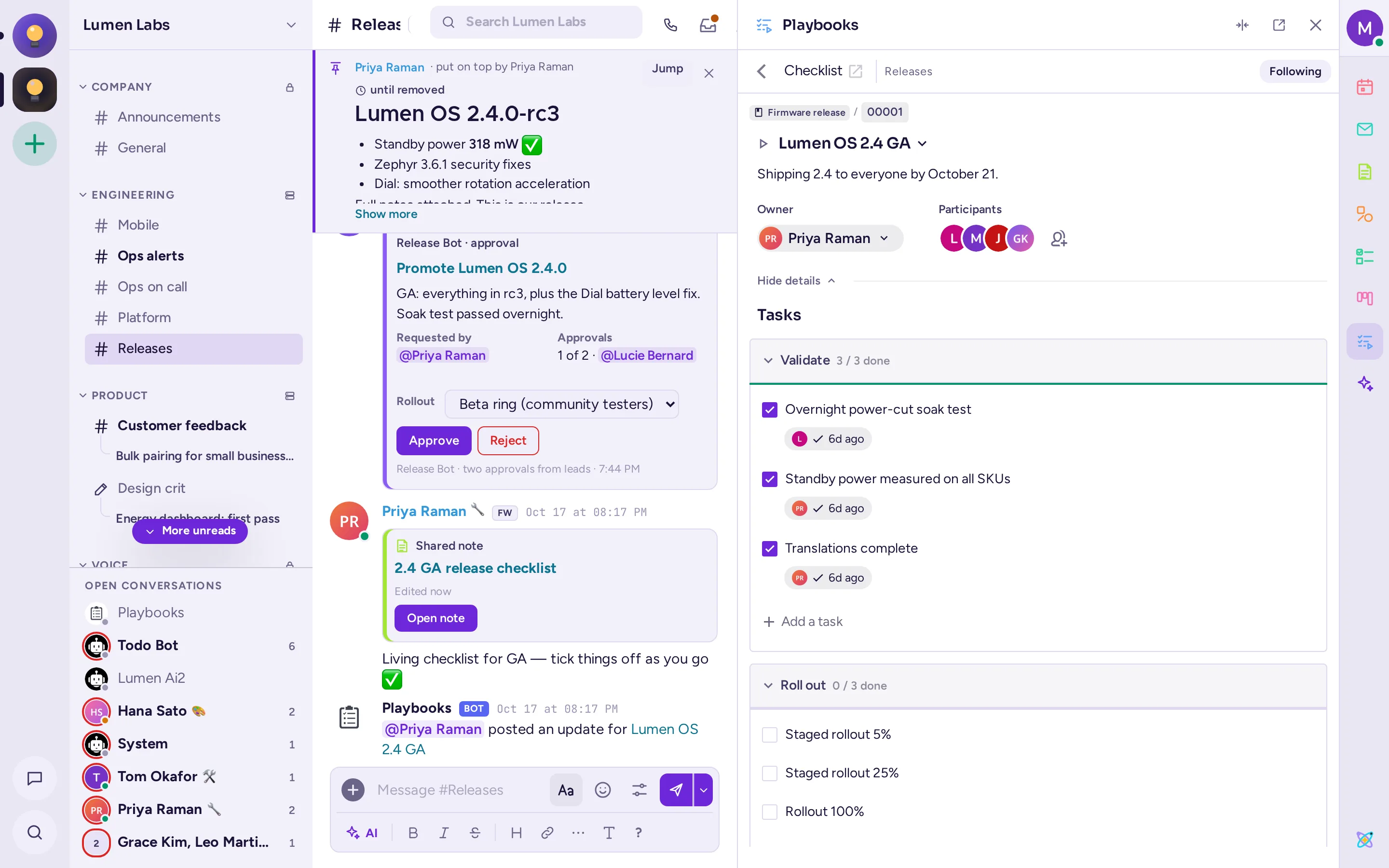
Playbooks
Checklists for incidents, releases and onboarding, with owners, status updates and retrospectives.
Todo lists
Personal and shared tasks, assigned from any message.
Calendar
Your CalDAV calendar beside the chat, with reminders and call links.
Your mailbox, over IMAP and SMTP, in the app.
Polls
Single or multiple choice, with an end time and live results.
AI that runs where you decide
Help when you ask for it, and quiet the rest of the time. Antimatter's agents work with OpenAI, Anthropic, Azure, Mistral, Gemini, Bedrock, or any OpenAI-compatible server you run yourself, such as vLLM, llama.cpp or Ollama.
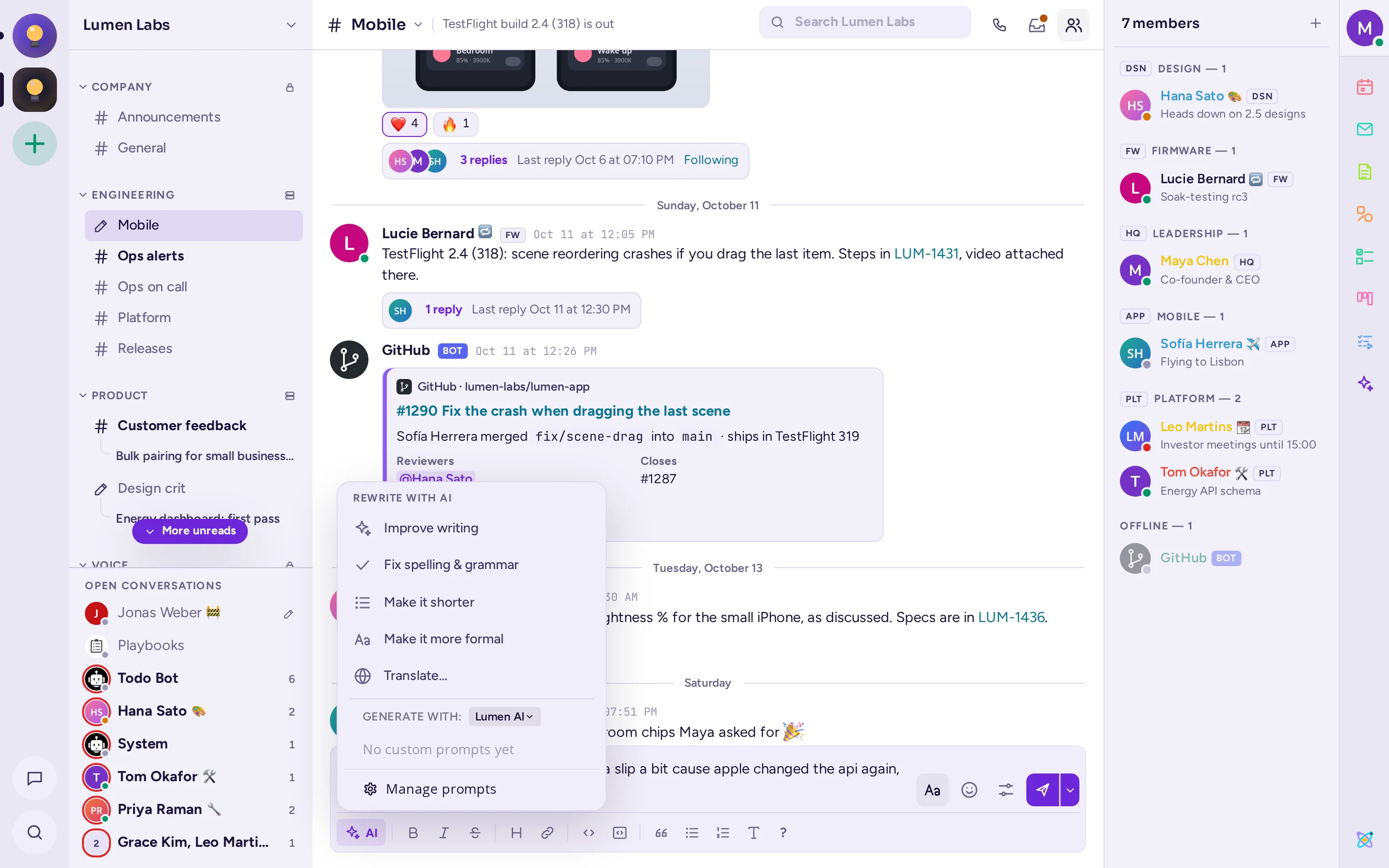
Rewrite, fix and translate as you write
Ask the composer to fix spelling and grammar, shorten, clarify, change the tone of a message or translate it before it's sent.
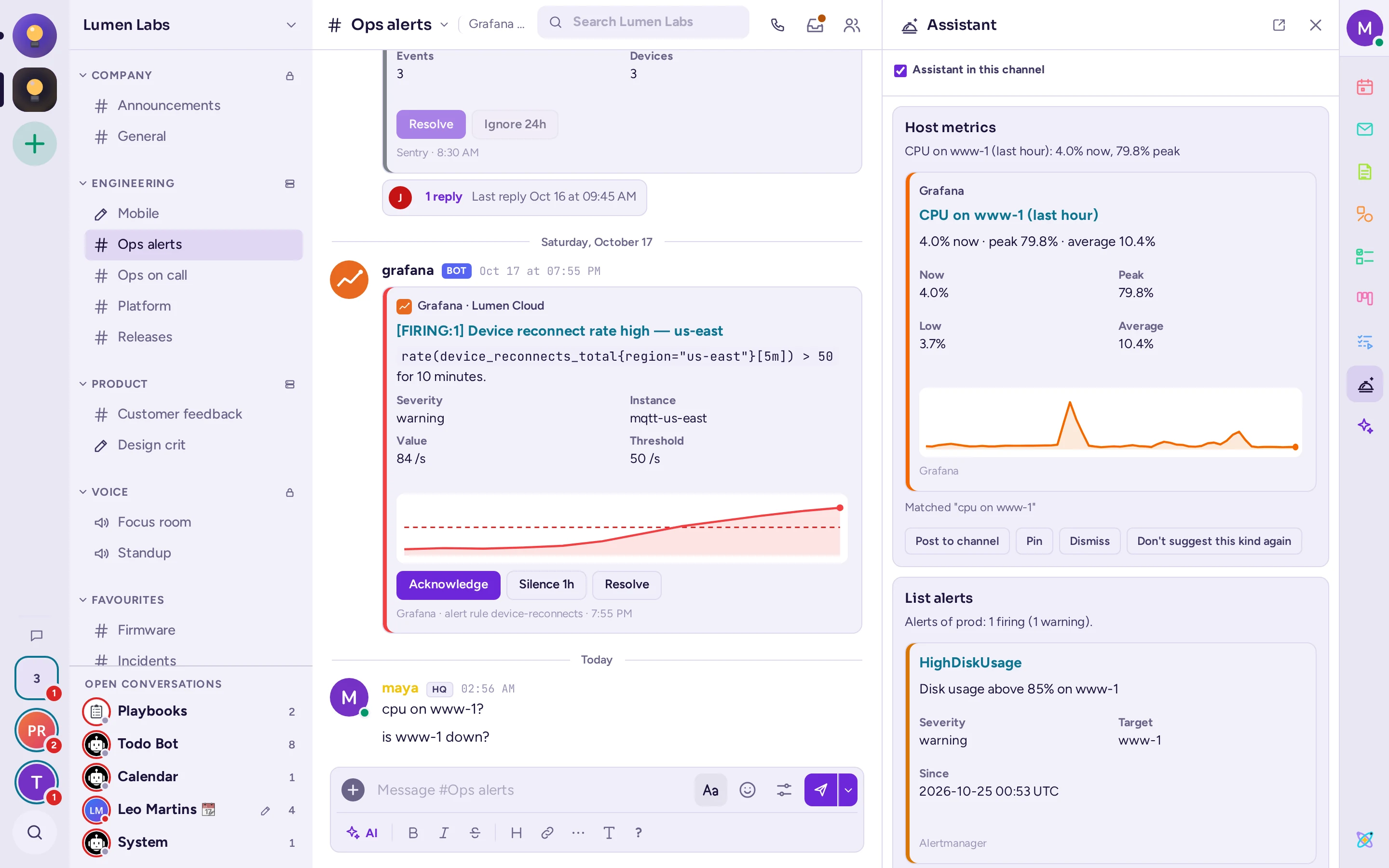
The assistant
Open it beside a conversation and it follows along: when someone asks whether a host is down or how busy it is, the graphs and alerts appear as cards, read with your permissions. It never notifies anyone, and offers any change to one person at a time, starting with whoever asked.
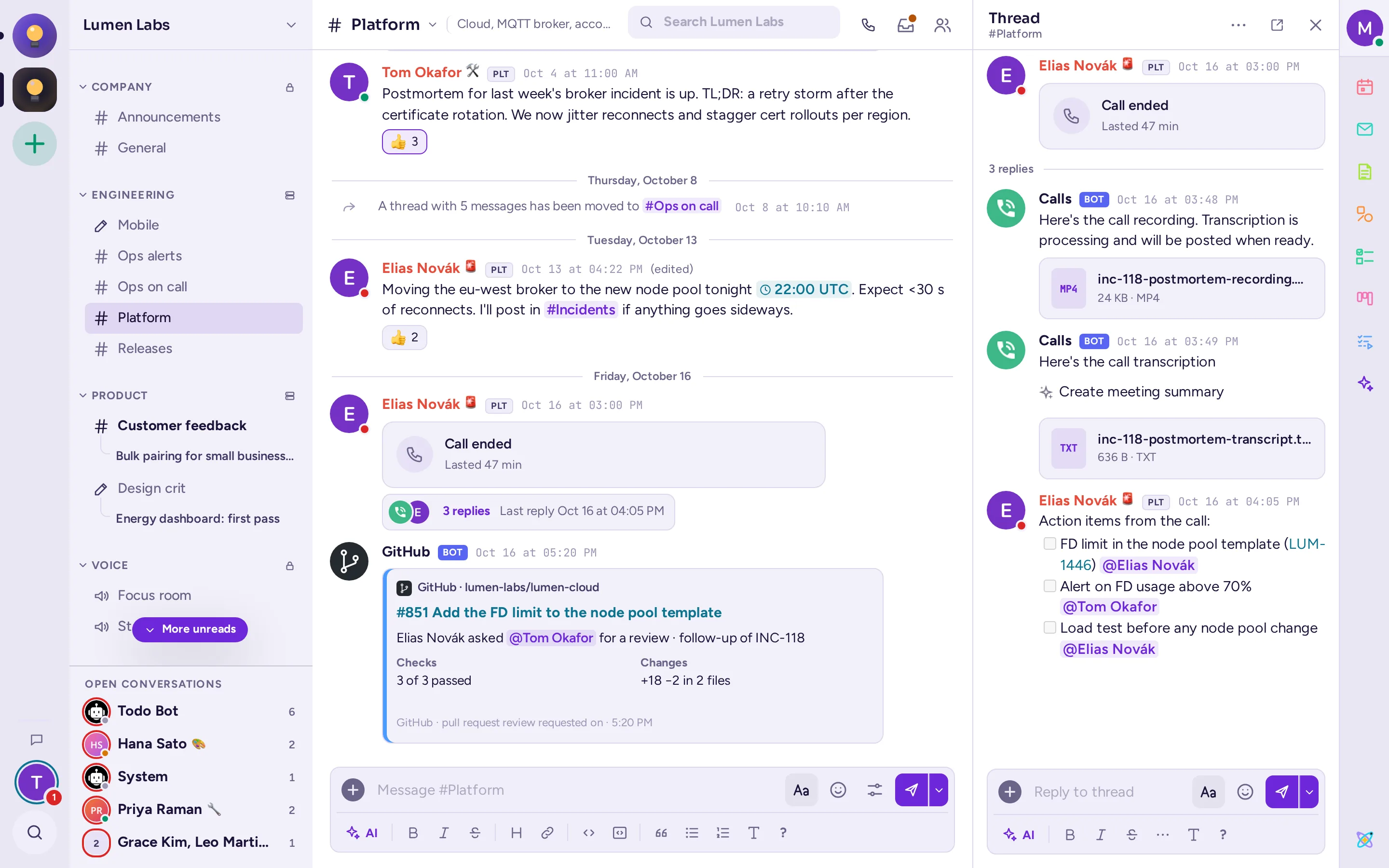
Call transcripts and summaries
Calls are transcribed by your speech-to-text model, shown as live captions, then posted as a transcript with an AI summary in the call's thread.
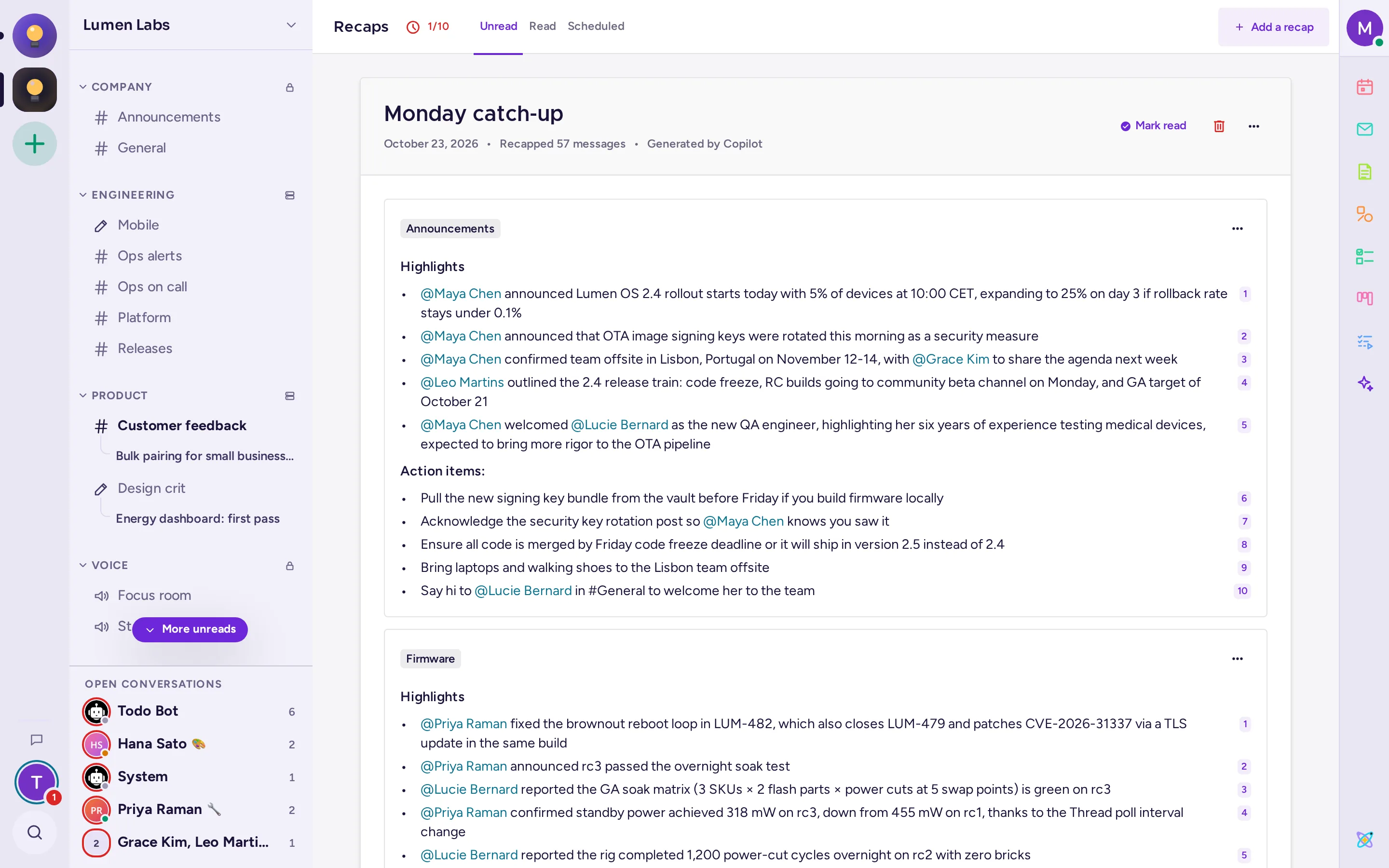
Recaps and channel summaries
Catch up after time off with recaps of the channels you choose, and summaries of long threads.
Automatic translation
Channels translated into each reader's language, with LibreTranslate or any OpenAI-compatible model.
Read aloud
Any message read out by your text-to-speech model.
Agents
Chat with your agents in a panel next to any channel, or let them answer in the channels you choose, with your community's permissions.
Voice rooms that are always open
Voice channels sit in the sidebar like any other channel: click to join, see who's there, and talk. Calls start from any conversation too.
- Video, screen sharing and background blur, with quality presets for sharing code or slides.
- Raised hands with a queue, reactions and per-person volume.
- Push-to-talk, host controls and a call window of its own.
- Live captions and transcripts from your own speech-to-text server, with no extra infrastructure.
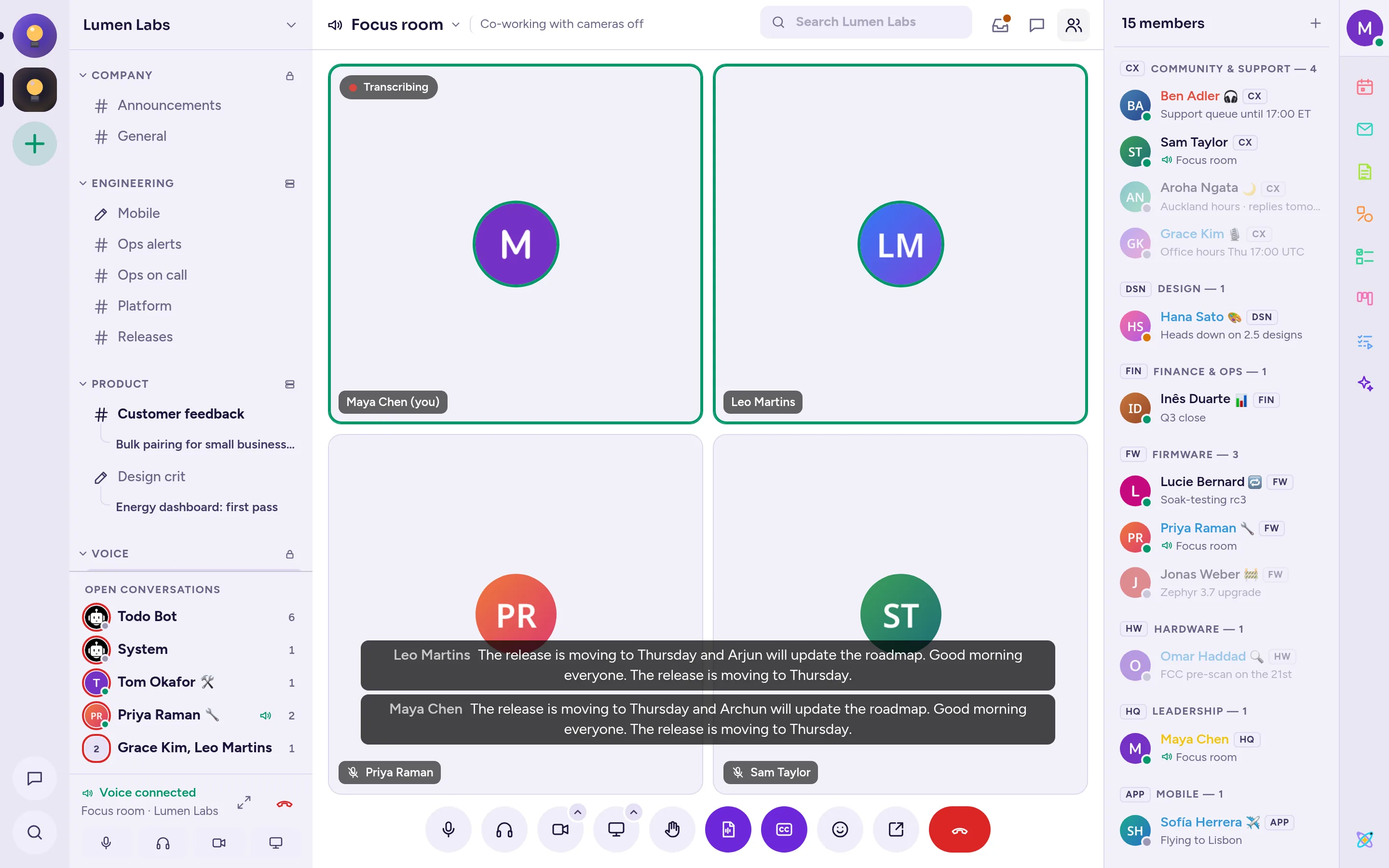
Your tools, talking in your channels
A complete REST API and plugin system, with integrations of its own.
- GitHub, GitLab and Jira subscriptions, previews and slash commands.
- Incoming and outgoing webhooks, slash commands, bots and OAuth apps.
- Interactive messages and dialogs: buttons, menus and forms that post back to your services.
- Plugins that add apps, panels, commands and message types to Antimatter's interface.
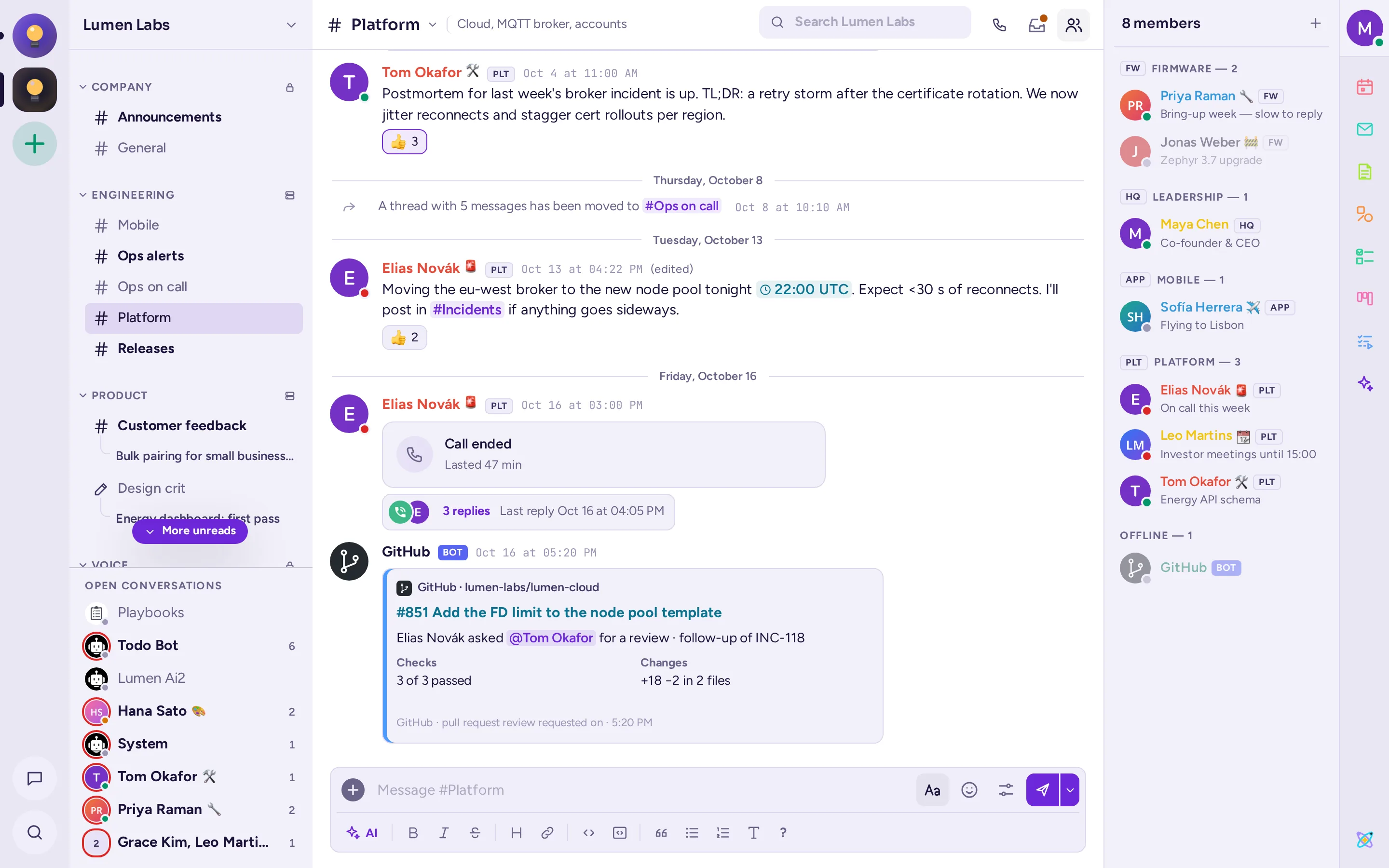
Everything an administrator expects
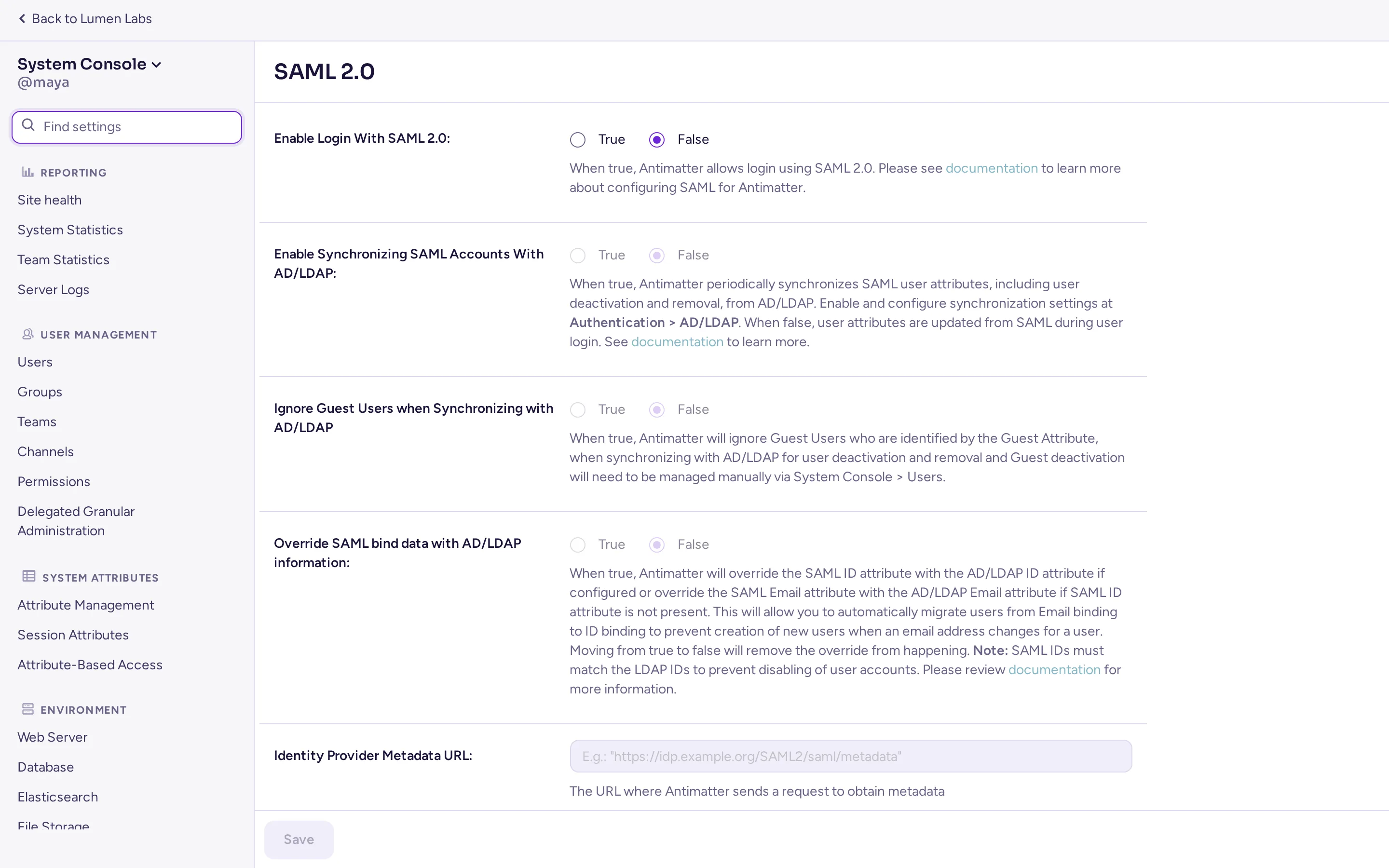
A complete System Console, with every setting available on every server.
- Authentication: SAML 2.0, OpenID Connect, Google, Microsoft Entra, LDAP/Active Directory, MFA.
- Access control: permission schemes, attribute-based access, guest accounts, IP filtering.
- Compliance: data retention, compliance and message export, audit logging.
- Operations: Elasticsearch or OpenSearch search, Prometheus metrics, S3-compatible file storage.
- Branding: your site name, logo and login text, custom emoji and themes.
The small things people notice
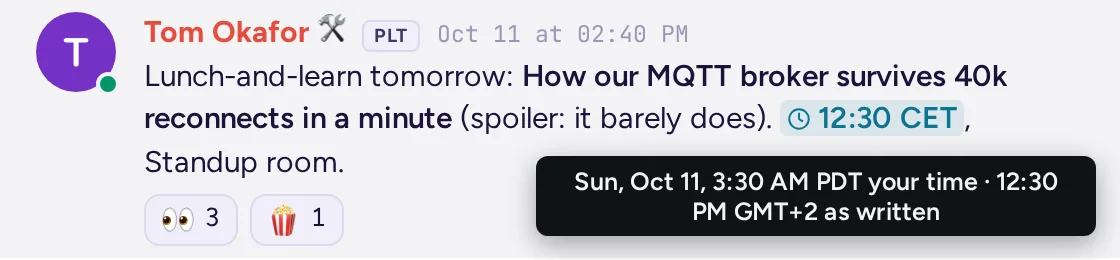
Times in your time zone
"3pm CET" in a message shows in each reader's own time.
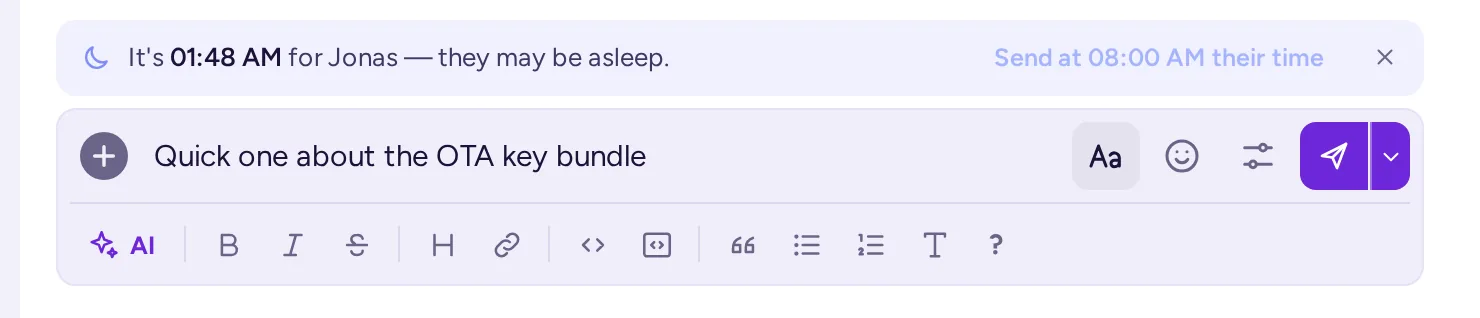
"They may be asleep"
A note when it's the middle of the night for the person you're writing to, with a button to send it in their morning.

Autolinks
Each community defines patterns, like ticket keys, that become links as messages are posted.
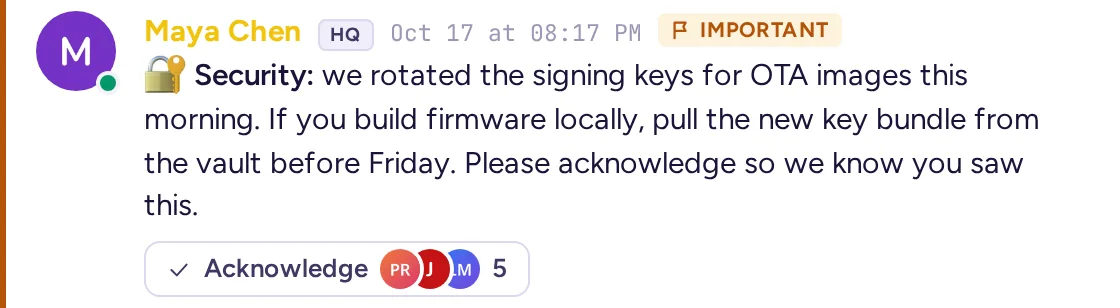
Acknowledgements
Ask for an acknowledgement on important messages, and see who has acknowledged them.

Burn on read
Sensitive messages that disappear after they've been read.

Spoilers
Hidden until each reader chooses to reveal them.
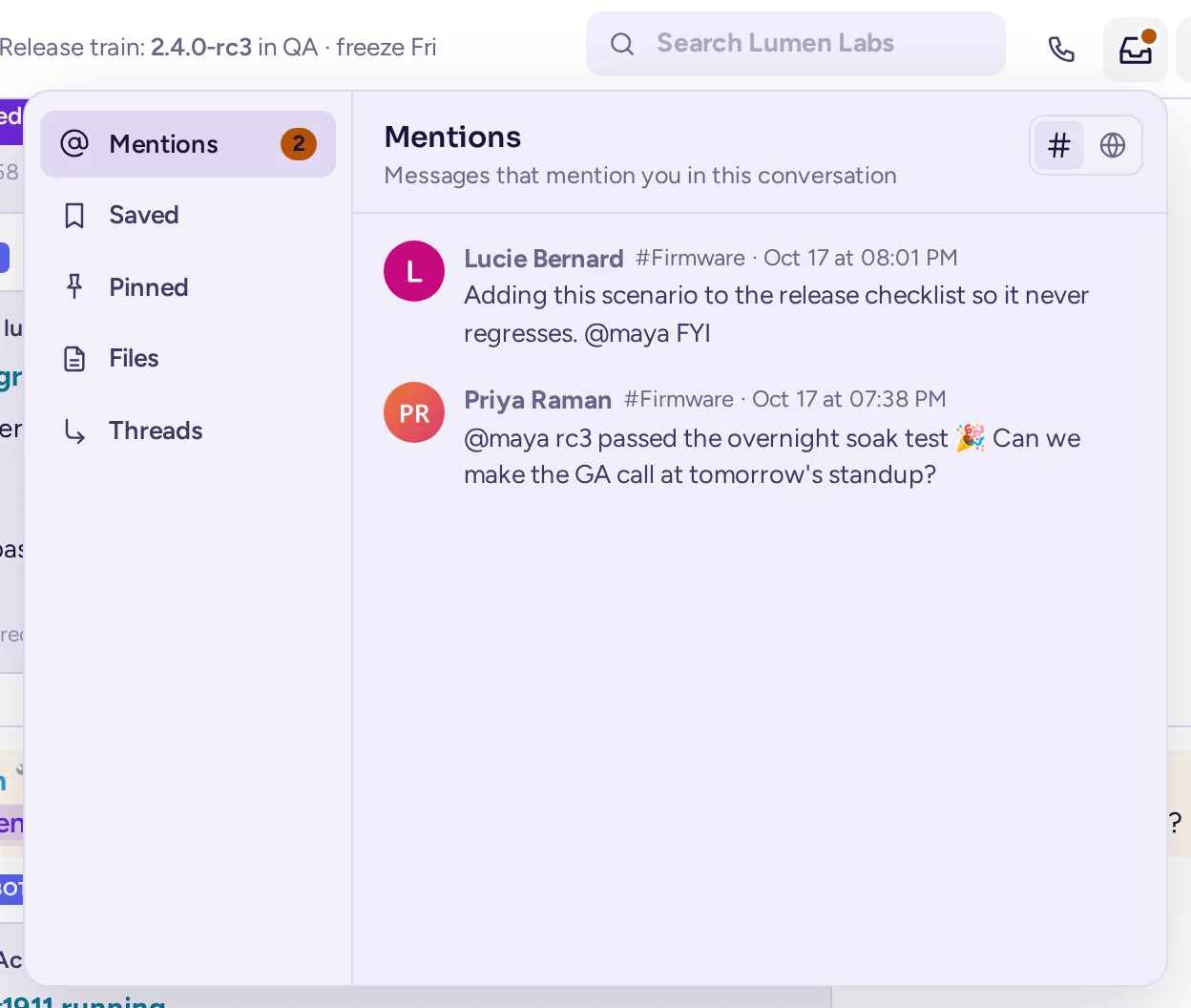
Conversation inbox
Each conversation's mentions, saved and pinned messages, files and threads, one click away from its header; one more click shows the whole community's.
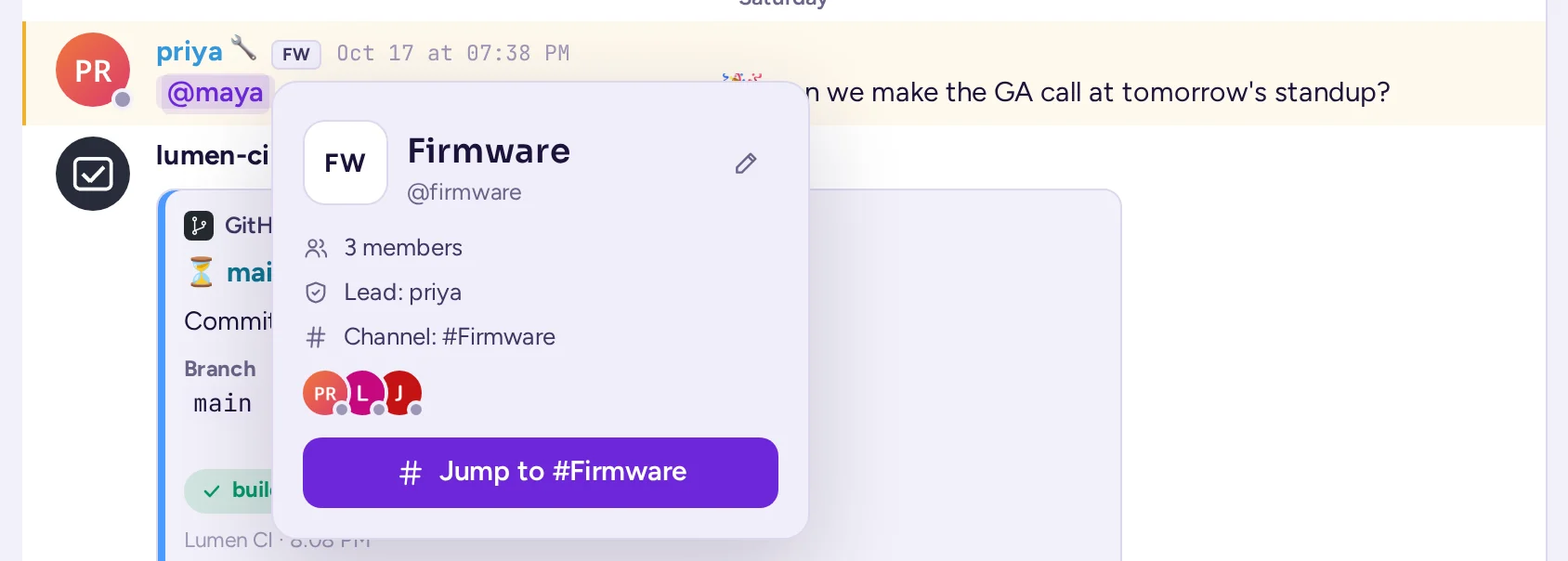
Team badges
Click the team badge next to a name to see the team, its lead and its members, and jump to its channel.
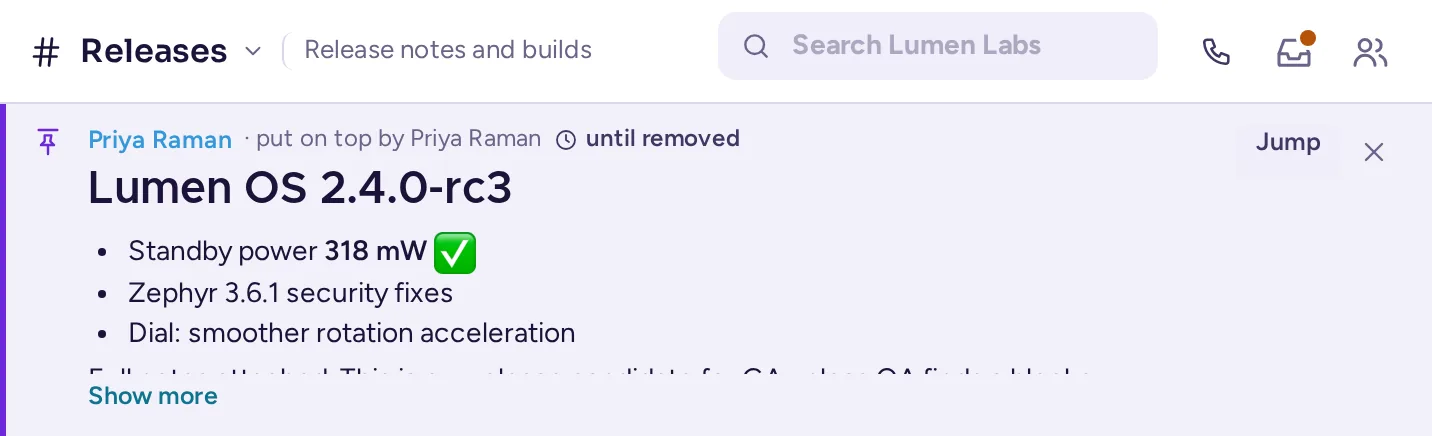
Put on top
Keep an important message above the conversation, for everyone, for an hour, a day, a week or until it's removed.
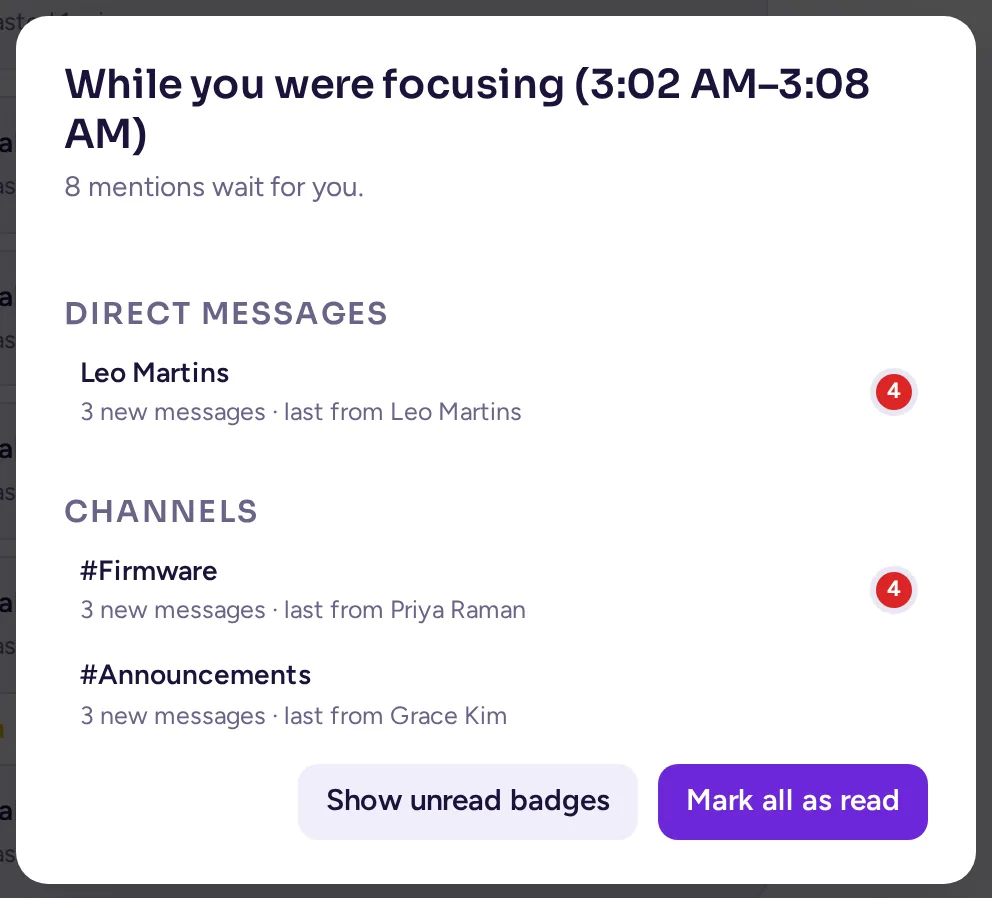
Focus mode
Focus for 15 minutes, a few hours or until tomorrow: notifications go quiet, your unread badges hide and a purple dot tells others. When it ends, a summary shows what you missed.
Reminders
Have a message come back to you later, from its menu.
Send in their morning
Schedule a message for the recipient's working hours.
Note to self
A personal space to forward messages to and keep notes.
Streamer mode
Hide personal information while sharing your screen.
38 languages
Including right-to-left layouts for Arabic, Hebrew, Persian and Urdu.
Your own GIFs and stickers
Collections hosted on your server, no tracking.
Themes
Dark, light and OLED themes, following your system, and shareable custom themes.
Memes
Pick one of sixty templates from the emoji picker, write the captions, and post the meme.
Private notes on people
Remember who's who, visible only to you.
Channel export
Download a channel's messages as a spreadsheet file, from its menu or with /export.
Named threads
Give a thread a name and it becomes a sub-chat of its channel, in its followers' sidebars.
Community folders
Gather your communities into folders in the rail.
Try it on your own server
Install Antimatter in a few minutes and invite your team.